
Travel
Automated mileage calculations, GPS tracking and rota highlighting
Get automated mileage calculations, GPS navigation, buffer times between calls and rota highlights when you've allowed too little time
Home care work will always involve a great deal of travel, and CarePlanner has been built to take account of this.
Distance in Carer Recommendations
If you ask the system to recommend a care worker for an appointment, it will automatically take account of staff locations and the location of the service user in prioritising its suggestions. If the care worker is about to start a day's work, it will use either their home address or the office. If they are already mid-way through a run of appointments, the system will automatically choose the preceding appointment.
Highlighting Travel Time on the Rota
The graphical roster will clearly show you whether you have allowed insufficient travelling time between appointments, and highlight the lack of time in red. It will even tell you how many minutes you need to allow to ensure that the care worker will be on time for the appointment, and you can then just drag and drop the appointment a little later in the day to compensate.
Accurate Travel Times and Mileage Data
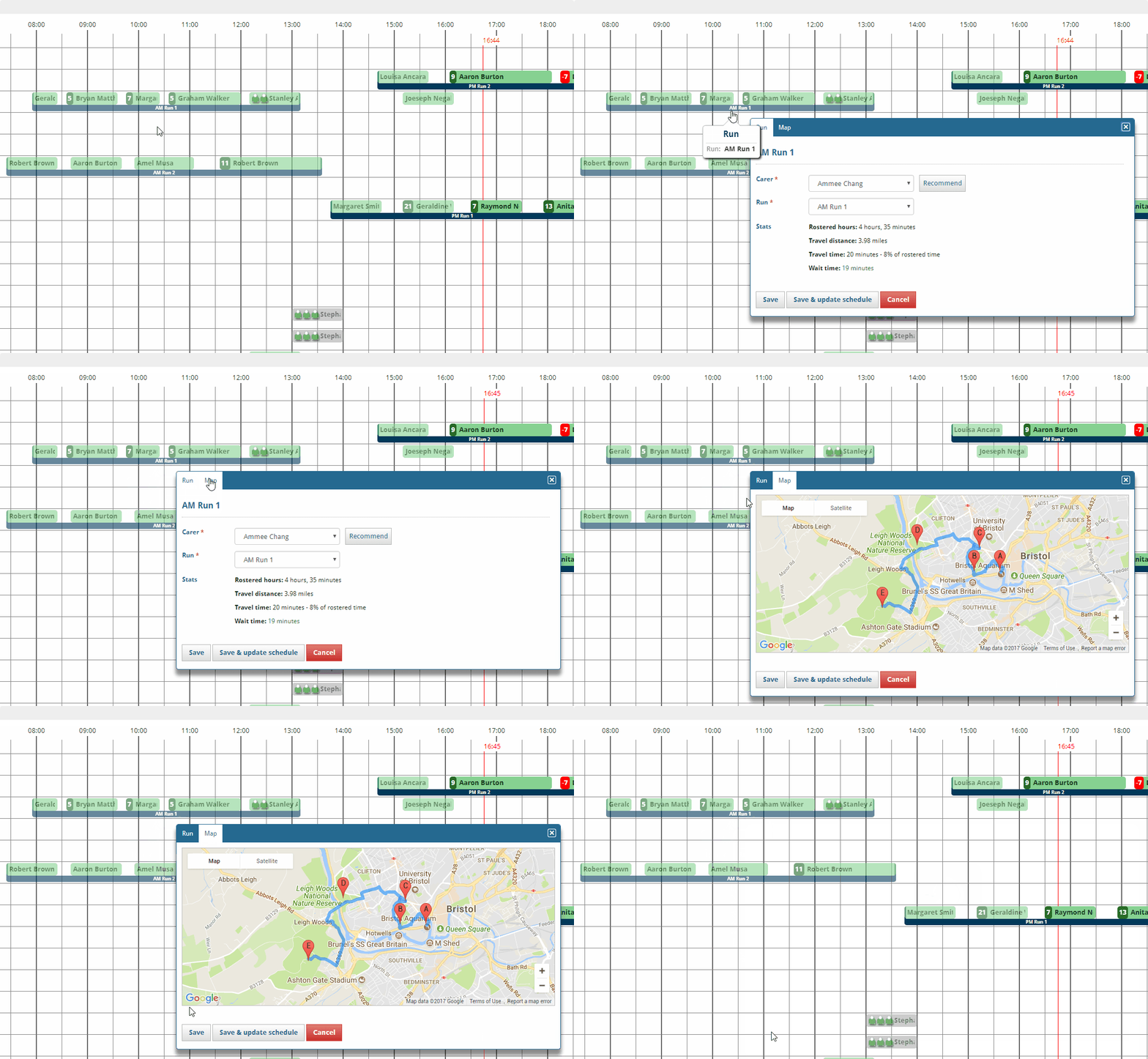
When calculating travel time and distance for invoicing purposes, the system will pull in mapping data to generate the most accurate figures possible. This allows you to pay your staff for the exact mileage travelled without having to manually collect odometer readings.
Map Views
CarePlanner also offer a number of map-based views of your staff and service users, allowing you to make proximity-based decisions for appointment allocations. And don't forget that a care worker equipped with our mobile app will never be out of touch either with the office, their rotas or, most importantly, service user information.